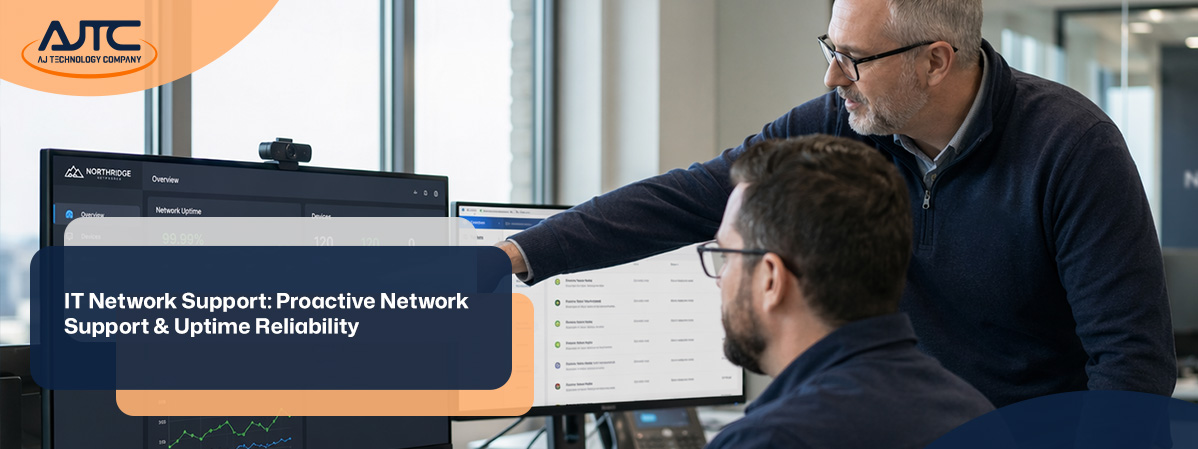
Businesses depend on reliable IT network support to keep operations running smoothly. In this blog, you'll learn why network support is essential, how to choose the right network support services, and what proactive steps can help reduce downtime. We'll also cover monitoring, troubleshooting, and aligning support with your business needs and infrastructure.
IT network support is the backbone of any business that relies on technology. It ensures your computers, servers, and devices can communicate without interruption. When your network is well-supported, your team can focus on their work instead of worrying about technical problems.
A strong support system helps prevent issues before they start. It also means you have experts ready to fix problems quickly if something goes wrong. This reduces downtime and keeps your business productive. Whether you have an in-house team or use outside help, the goal is the same: keep your network stable and secure.
Many businesses fall for myths or make mistakes that can hurt their network. Here are some key points to watch for:
Not all IT professionals have the same skills. Network support requires specific knowledge about how devices connect and communicate. Relying on someone without this expertise can lead to missed problems and longer outages.
Waiting until something fails can be costly. Proactive support helps spot issues early, preventing bigger problems and saving money in the long run.
Some worry that using network support services from outside their company means less control. In reality, a good provider works with you to meet your business needs and keeps you informed every step of the way.
Every business has unique requirements. What works for one company may not work for another. Tailoring support to your specific infrastructure is key to reliability.
New equipment can help, but it won't fix poor network design or lack of support. A strong support plan is just as important as having the right hardware.
Security and network support go hand in hand. Ignoring one can put your entire system at risk. Make sure your support includes regular security checks.
Professional support brings several advantages:

Why proactive network support matters
Proactive network support means staying ahead of problems instead of just reacting to them. This approach uses monitoring tools and regular maintenance to spot issues before they cause trouble. It can include checking for slow connections, outdated software, or unusual activity that could signal a security threat.
By catching problems early, you avoid unexpected downtime and costly repairs. Proactive support also helps your business plan for future needs, like adding new users or upgrading equipment. This keeps your network running smoothly and supports your company's growth.
Keeping your network available is critical for productivity. Here are important steps to help ensure maximum uptime:
Assessing your network regularly helps identify weak points or outdated equipment. This allows you to make improvements before issues arise.
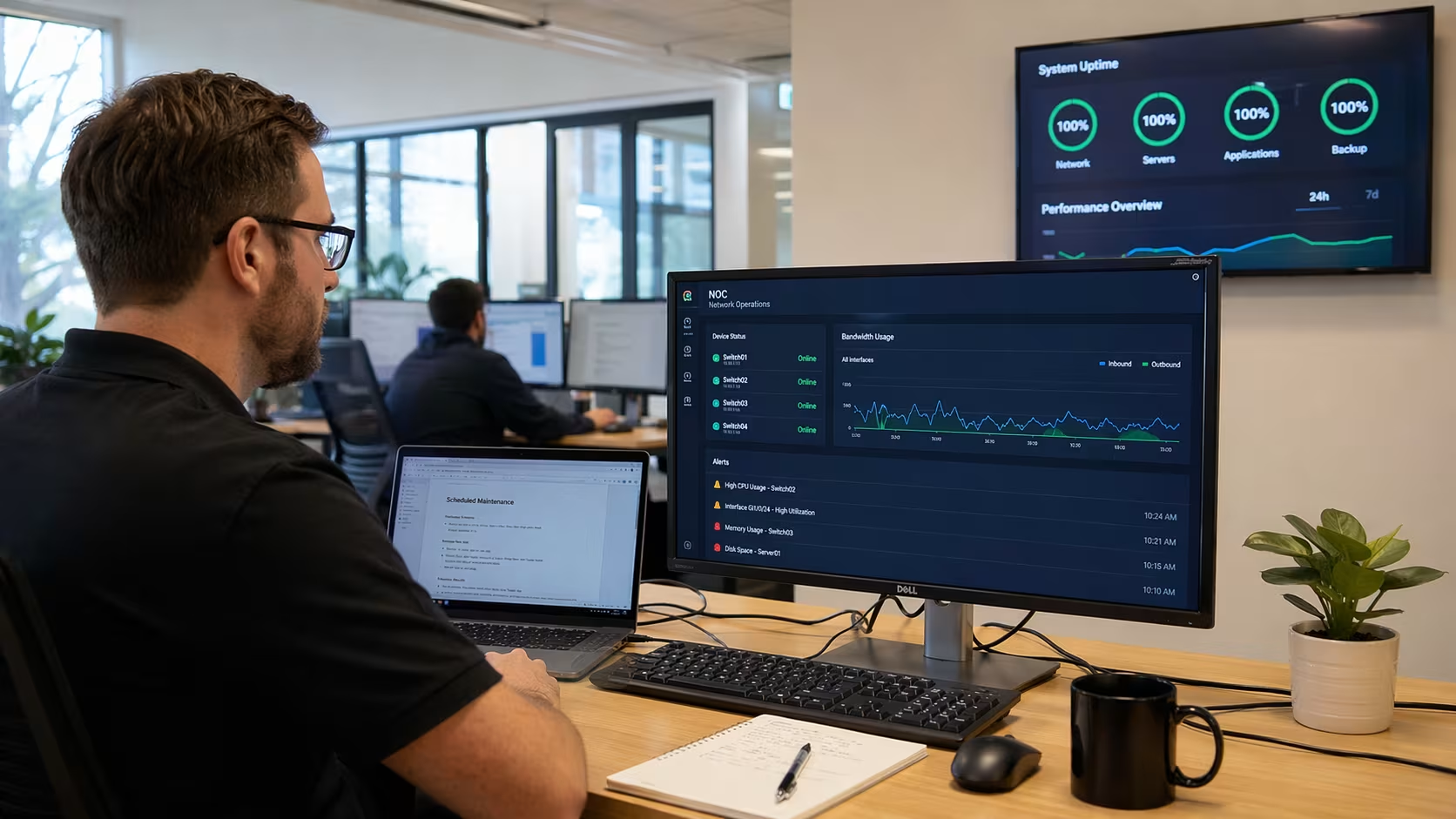
Automated tools watch your network 24/7. They alert you to problems like slow speeds or failed devices, so you can act quickly.
Regular updates and maintenance keep your systems secure and efficient. This includes patching software and replacing aging hardware.
Employees should know basic troubleshooting steps and how to report issues. This speeds up problem resolution and reduces confusion.
Having a documented plan for outages or security incidents ensures everyone knows what to do. This minimizes downtime and protects your data.
Make sure your support agreements cover all your needs, including after-hours help and emergency response. Review these contracts regularly as your business grows.

Selecting the right network support services is a big decision. Start by assessing your current infrastructure and identifying gaps. Consider whether you need full-time support or just help during busy periods. Look for providers who understand your industry and can offer references from similar businesses.
Ask about their response times, monitoring tools, and how they handle security. It's also important to choose a partner who communicates clearly and explains technical issues in simple terms. The right provider will work with you to develop a support plan that fits your goals and budget.
Following best practices helps ensure your network stays reliable and secure:
These steps help reduce downtime and keep your network running smoothly.
Are you a business with over 10 employees looking for dependable IT network support? As your company grows, your network becomes more complex and needs expert attention to avoid costly downtime and disruptions.
We understand the challenges of maintaining reliable systems while focusing on your core business. Our team at AJTC specializes in IT network services tailored to your needs. Contact us today to see how we can help keep your network running at its best.
Network support focuses on keeping your infrastructure connected and running smoothly. General IT help may cover a wider range of tasks, but network support zeroes in on monitoring and troubleshooting the systems that link your devices. This specialized attention helps prevent downtime and ensures your business needs are met.
By investing in dedicated network support, you reduce the risk of outages that can disrupt your daily operations. It also means faster response times when issues do arise, keeping your business on track.
A proactive network approach means your support team is always looking for potential problems before they impact your company. This includes regular monitoring and scheduled maintenance to catch issues early. By being proactive, you avoid unexpected downtime and keep your infrastructure secure.
This approach also helps you plan for future growth and changing business needs. It ensures your network can handle new demands without slowing down or causing disruptions.
Network support services provide expert help for your business, focusing on keeping your systems reliable and secure. These services often include monitoring, troubleshooting, and regular updates to prevent downtime. By using professional support, you can focus on your core work instead of dealing with technical problems.
Another benefit is having access to specialists who understand your infrastructure and can quickly resolve issues. This leads to better productivity and fewer interruptions for your team.
Uptime refers to the amount of time your network is available and working properly. High uptime is crucial because even short periods of downtime can disrupt your operations, leading to lost revenue and frustrated customers. Monitoring your network helps catch problems early and keep things running smoothly.
Maintaining strong uptime also supports your business needs by ensuring employees can access the tools and information they need. This reliability builds trust with clients and partners.
Cisco is known for producing reliable network equipment and solutions. Using Cisco products can improve your network's reliability by providing advanced features and strong security. These tools help prevent downtime and make troubleshooting easier.
By choosing proven technology, you can build a stable infrastructure that supports your business needs. Regular updates and support from Cisco also help keep your network secure and efficient.
To keep your network secure and reliable, start with regular monitoring and timely updates. Make sure your team knows basic troubleshooting steps and understands how to report issues. This helps catch problems before they become serious.
It's also important to review your infrastructure regularly and plan for future needs. Investing in professional network support services ensures you have the right expertise to maintain uptime and protect your business.

.svg)
.png)
.png)

.webp)