Modern businesses rely on digital systems to stay competitive, which makes IT monitoring more important than ever. Whether you're managing a growing infrastructure or trying to prevent downtime, having the right monitoring system in place is critical. In this blog, we’ll explain how IT monitoring works, what tools and strategies are most effective, and how you can use metrics and alerts to proactively manage performance. We’ll also cover best practices, observability platforms, and how to troubleshoot issues before they impact your users.
IT monitoring is the process of tracking the health, performance, and availability of your technology systems. It includes monitoring servers, applications, networks, and cloud environments. The goal is to identify problems early, reduce response time, and maintain uptime.
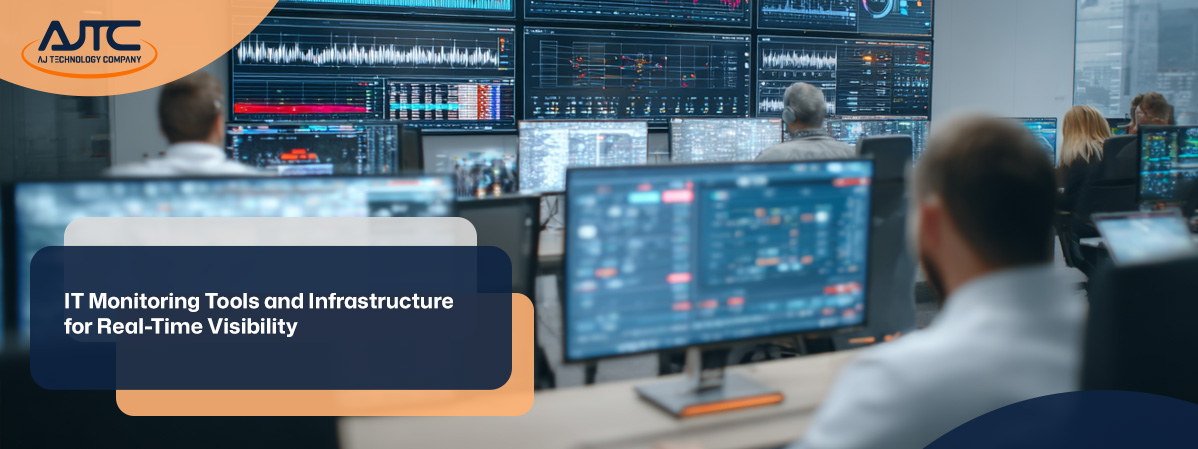
Monitoring tools collect data from various parts of your infrastructure. This data is used to generate metrics, trigger alerts, and provide visibility into system behavior. With real-time dashboards, you can see how your systems are performing and take action quickly if something goes wrong.
A strong IT monitoring setup helps you avoid unexpected downtime, optimize resource utilization, and improve application performance. It also supports compliance and security monitoring by keeping logs and tracking anomalies.

To get the most out of IT monitoring, you need a plan. Here are some strategies that help businesses stay ahead of issues and maintain reliable systems.
Not all monitoring tools are created equal. Some focus on network traffic, while others specialize in application performance or server health. Choose a tool that fits your environment and goals. Look for features like customizable dashboards, real-time alerts, and integration with your existing systems.
Your monitoring system should grow with your business. As you add more servers, applications, or cloud services, your infrastructure needs to support increased data flow. A scalable setup ensures you don’t miss critical alerts or overload your monitoring software.
Infrastructure monitoring tools help you track the performance of physical and virtual resources. These tools monitor CPU usage, memory, disk space, and network connections. They give you insight into how your infrastructure supports your applications and users. Infrastructure monitoring tools help you track the performance of physical and virtual resources. These tools monitor CPU usage, memory, disk space, and network connections. They give you insight into how your infrastructure supports your applications and users.
Alerts are only helpful if they’re accurate. Set thresholds based on historical data and performance trends. This reduces false positives and ensures your team responds only to real issues. Alerts should be clear, actionable, and prioritized by severity.
Real-time monitoring allows you to detect and respond to issues as they happen. This is especially important for customer-facing applications where downtime can lead to lost revenue. Real-time data helps you troubleshoot faster and maintain service quality.
Observability goes beyond monitoring by giving you deeper insight into system behavior. It combines metrics, logs, and traces to help you understand why something is happening—not just what is happening. This leads to faster root cause analysis and better decision-making.
Application performance monitoring (APM) tools help you understand how your apps behave under different conditions. They track response times, error rates, and user interactions. APM helps you optimize code, improve user experience, and reduce downtime.
A good IT monitoring setup includes these key features:

Monitoring software plays a central role in keeping your systems healthy. It collects data from servers, applications, and networks, then analyzes it to detect issues. This helps you maintain uptime and optimize performance.
With the right software, you can automate responses to common problems, such as restarting a failed service or scaling up resources during traffic spikes. This proactive approach reduces manual work and improves reliability.
Monitoring software also supports compliance by storing logs and tracking access to sensitive systems. This is especially important for businesses in regulated industries.
As your systems grow more complex, you need more advanced monitoring solutions. Here are some types and approaches that help you stay in control.
System monitoring tracks the health of your operating systems, including CPU, memory, and disk usage. It helps you identify bottlenecks and plan for capacity.
Network monitoring tools track traffic, latency, and packet loss. They help you detect outages, bandwidth issues, and unauthorized access.
Log monitoring collects and analyzes logs from applications and systems. It helps you detect errors, security threats, and unusual behavior.
Cloud monitoring tools track the performance of cloud-based services. They help you manage costs, ensure uptime, and maintain service levels.
Real-time monitoring gives you instant feedback on system performance. It’s essential for fast-paced environments where delays can cause major problems.
Platforms like Datadog combine metrics, logs, and traces into one interface. They offer advanced observability features and AI-powered insights.
AI-powered observability uses machine learning to detect patterns and predict issues. AIOps (Artificial Intelligence for IT Operations) helps automate responses and reduce manual work.

Start by identifying your monitoring goals. Do you want to reduce downtime, improve performance, or meet compliance requirements? Then choose tools that align with those goals.
Next, define what you want to monitor—servers, applications, networks, or cloud services. Set up dashboards and alerts based on key metrics like CPU usage, response time, and uptime.
Finally, review and adjust your monitoring setup regularly. As your systems evolve, your monitoring strategy should evolve too.
To keep your monitoring system effective, follow these best practices:
Reliable monitoring helps you prevent downtime and keep your business running smoothly.

Are you a business with over 10 employees looking for better visibility into your systems? As your company grows, so does the complexity of your IT environment. That’s where a reliable IT monitoring strategy becomes essential.
At AJTC, we help businesses implement IT monitoring services that fit their needs. Whether you need full IT network monitoring or help setting up alerts and dashboards, our team is ready to support you. Contact us today to learn how we can help you stay ahead of issues and optimize performance.
The best monitoring tool depends on your environment. For many, a tool that supports both infrastructure monitoring and application performance is ideal. Look for one that integrates with your existing systems and offers real-time dashboards.
These tools help you track metrics like CPU usage and response time. They also allow you to set alerts that notify your team when thresholds are crossed. This helps you act proactively and avoid downtime.
Infrastructure monitoring tracks the health of your servers, storage, and network devices. It helps you detect issues like high utilization or failing hardware before they cause outages.
By monitoring metrics such as disk space, memory usage, and network latency, you can plan maintenance and scale resources as needed. This proactive approach helps maintain uptime and system stability.
Infrastructure monitoring tools give you visibility into your physical and virtual systems. They help you understand how your infrastructure supports applications and users.
These tools also allow you to set performance thresholds and receive alerts when something goes wrong. This helps you troubleshoot faster and optimize resource usage.
Monitoring software collects logs and tracks system behavior, which is essential for security monitoring. It helps you detect unauthorized access and unusual activity.
By analyzing log data and setting alerts for suspicious patterns, you can respond quickly to threats. This improves your overall security posture and helps prevent downtime.
Real-time monitoring lets you see how your applications are performing at any moment. It helps you detect slow response times or errors before users are affected.
This type of monitoring is especially useful for customer-facing apps where performance impacts user experience. It also helps you optimize code and server resources.
Observability platforms combine logs, metrics, and traces to give you a full view of your systems. This makes it easier to find the root cause of problems.
They also support AIOps features that detect patterns and suggest fixes. This helps you troubleshoot proactively and reduce the time it takes to resolve issues.

.svg)
.png)
.png)

.webp)