Modern businesses rely on IT systems to stay competitive, efficient, and secure. Whether you're managing customer data, automating tasks, or connecting departments, the right setup can make a big difference. In this blog, you'll learn what IT systems are, how they support business operations, and what to avoid when implementing or upgrading them. We'll also explore how tools like CRM and ERP systems fit into the bigger picture.
IT systems are the combination of hardware, software, and networks that help businesses manage their operations. They support everything from storing data to running applications and connecting employees. Without reliable IT systems, even basic tasks like email or file sharing can become slow or risky.
These systems also play a key role in decision-making. With the right tools in place, you can collect, process, and analyze data to make smarter business choices. For example, an information system can help track sales trends, while IT system integration ensures that your tools work together smoothly.

Even with the best intentions, businesses often make mistakes when setting up or managing their IT systems. Here are some of the most common ones and how to avoid them.
Many companies choose systems based on current needs without thinking about future growth. This can lead to expensive upgrades or replacements later. Always plan for scalability from the start.
Not having a reliable backup solution puts your business at risk. If data is lost due to hardware failure or a cyberattack, recovery can be difficult or impossible. Regular, automated backups are essential.
When systems don’t talk to each other, workflows slow down. For example, if your CRM doesn’t sync with your email platform, your team wastes time switching between tools. Integration boosts efficiency.
Even the best systems fail if users don’t know how to use them. Training should be part of every IT rollout to ensure adoption and reduce errors.
Outdated software is a major security risk. Always apply updates and patches as soon as they’re available to protect your systems and data.
Some companies pick tools based on trends rather than business needs. Make sure every system supports your goals and fits into your overall strategy.
IT systems need ongoing support. Whether it's internal staff or a managed service provider, make sure you have the right help in place to keep things running.
Reliable IT systems offer several advantages that directly impact business performance:

IT systems are deeply connected to how your business runs day to day. They help streamline operations, reduce errors, and improve communication across departments. For example, a well-integrated system can automatically update inventory when a sale is made, reducing the chance of stock issues.
They also support compliance with industry regulations. Many industries require strict data handling procedures, and IT systems can automate these tasks to ensure nothing is missed. Whether you're in healthcare, finance, or retail, having the right setup can help you stay compliant and avoid penalties.
Optimizing your IT systems isn’t just about buying new tools. It’s about making sure everything works together and supports your business goals. Here are some key steps to follow.
Start by reviewing what you already have. Identify what’s working, what’s outdated, and what’s missing. This helps you avoid unnecessary spending.
Know what you want your IT systems to achieve. Whether it’s faster customer service or better data reporting, clear goals help guide your choices.
Select tools that align with your goals and integrate well with your existing systems. Look for platforms that support IT system integration.
Create a rollout plan that includes timelines, responsibilities, and training. This helps reduce disruption and ensures a smoother transition.
Make sure everyone knows how to use the new systems. Offer training sessions, guides, and ongoing support to encourage adoption.
Use analytics and feedback to track how well your systems are performing. This helps you spot issues early and make improvements.
Technology changes fast. Schedule regular reviews to ensure your systems stay current and continue to meet your needs.
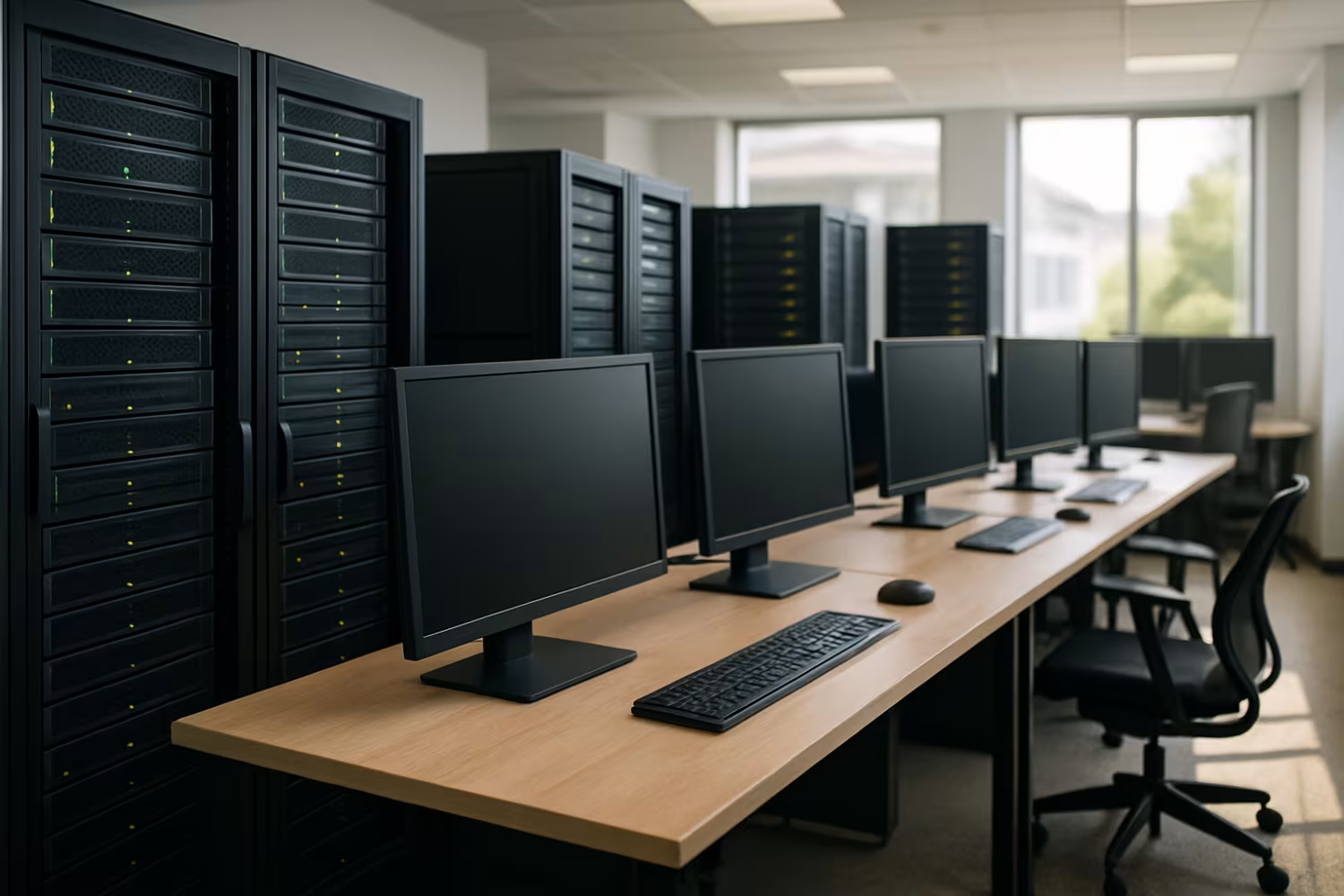
Integrating your IT systems means connecting different tools so they work together. This can improve efficiency, reduce errors, and provide a better user experience. For example, linking your ERP system with your accounting software can eliminate duplicate data entry.
Integration also supports better reporting. When data flows between systems, you get a more complete view of your business. This helps with forecasting, budgeting, and strategic planning.
However, integration can be complex. It’s important to work with experts who understand both the technical and business sides. They can help you avoid common issues like data mismatches or system downtime during the transition.
Managing IT systems well requires planning, consistency, and the right support. Here are some best practices to follow:
Following these practices helps keep your systems reliable and your business running smoothly.
Are you a business with over 10 employees looking to improve your IT systems? As your company grows, so do your technology needs. Whether you're upgrading outdated tools or building a new setup from scratch, we can help you find the right fit.
At AJTC, we specialize in designing, integrating, and managing IT systems that support your business goals. Our team works closely with you to understand your needs and deliver solutions that work. Contact us today to get started.
An IT system refers to the hardware, software, and networks used to support business operations. An information system includes not just the technology, but also the people and processes involved in managing data. Both are important, but information systems offer a broader view of how data flows through your business.
For example, a CRM tool is part of your IT system, but how your team uses it to track customer interactions is part of your information system.
IT systems help automate and streamline business processes. They reduce manual work, improve accuracy, and speed up workflows. For instance, an ERP system can automate inventory tracking, order processing, and financial reporting.
By using tools like CRM and ERP together, you can connect departments and improve communication. This leads to faster decision-making and better customer service.
Data processing is a core function of IT systems. It involves collecting, organizing, and analyzing data to support business decisions. Without proper data processing, your systems can't deliver useful insights.
For example, a CRM system processes customer data to help your sales team understand buying patterns. An ERP system might process financial data to support budgeting.
IT systems are essential for keeping your business running during disruptions. They support remote access, data backups, and communication tools that help maintain operations.
Tools like ERP and CRM systems also help you stay organized and responsive. With the right setup, you can recover quickly from outages or cyberattacks.
IT system integration connects your tools so they work together. This reduces duplicate data entry, speeds up workflows, and improves accuracy. For example, integrating your CRM with your email platform can automate follow-ups.
Integration also supports better reporting. When your systems share data, you get a clearer view of your business performance.
Start by identifying your business needs. Look for systems that align with your goals and offer room to grow. Consider tools like CRM for customer management or ERP for operations.
Also, think about support, training, and integration. A good IT system should be easy to use, well-supported, and able to connect with your existing tools.

.svg)
.png)
.png)

.webp)